Strictly Local AI: Chatting with my notes on localhost
Projects | | Links: GitHub Link
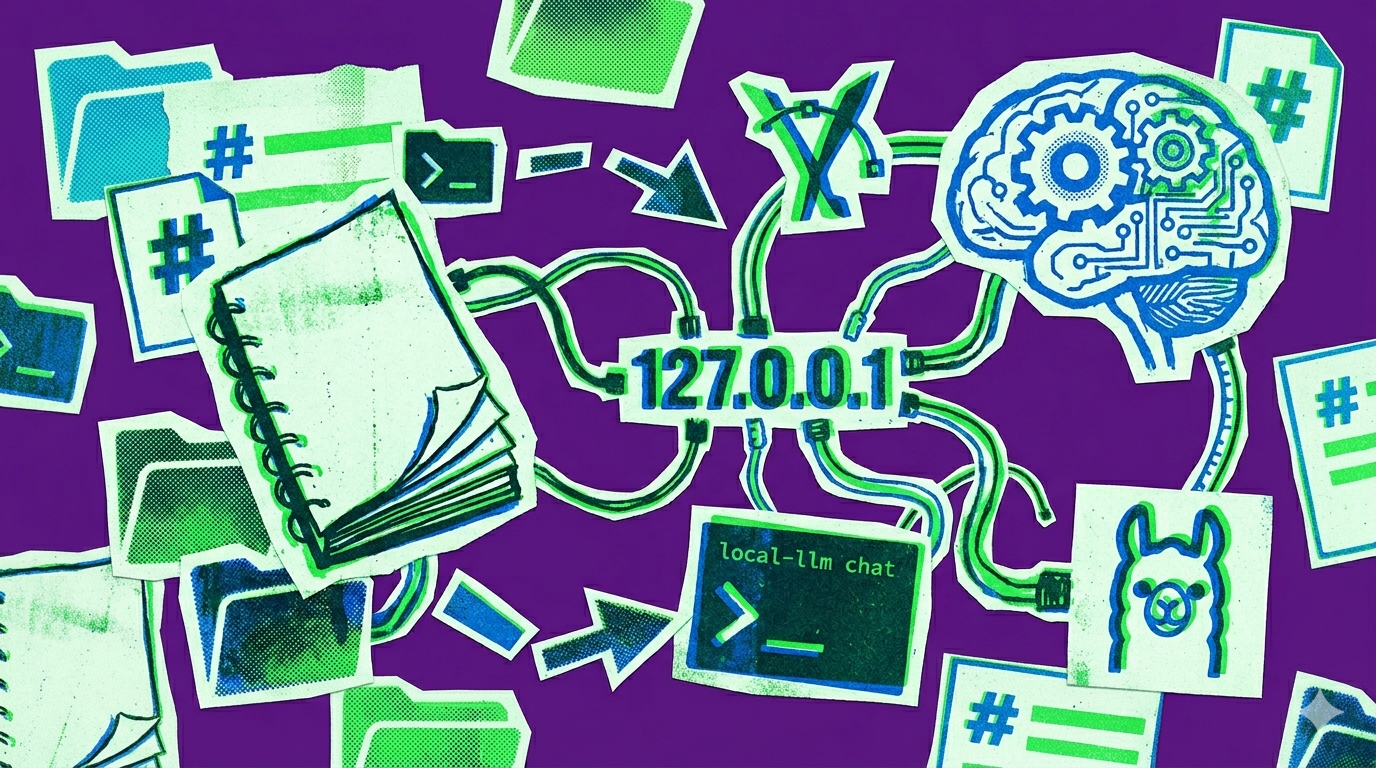
A start setup for local-only llm with basic CLI, specifically for the purpose of indexing Markdown notes and running RAG against them on localhost via Ollama and Chroma, no cloud calls or external connectivity.
A CLI that indexes a Markdown vault and runs RAG entirely on 127.0.0.1.
Why I built this
I wanted the utility of using LLMs on my sensitive personal notes content without having to send them into a cloud API. I wanted a Retrieval-Augmented Generation (RAG) setup that was:
- Strictly Local: Bound to
127.0.0.1. No telemetry, no external calls. - Structure-Aware: Most RAG tutorials slice text arbitrarily. I wanted my index to respect Markdown headings so the context makes sense.
- Simple: A unified CLI, not a fragile collection of scripts.
So I put together this little local-llm project as scaffoling to create a harness around locally run models indexing my personal notes. It uses Ollama for the heavy lifting (embeddings and chat) and Chroma for the vector store, wrapped in a Python package to glue it together.
This was mostly an experiment to see how far I could get with local-only tools. The result is a basic but functional RAG pipeline that respects Markdown structure and keeps everything on-device. I’m sharing it because several people asked me about similar setups. It’s in no way a polished product, but it might give you an idea of where to start if you want to build your own local LLM-powered note assistant.
I should also note that my experience with this setup was underwhelming. Compared the frontier labs’ offerings (at the time of this writing, e.g. Opus 4.7, Gemini 3 Pro, etc.) the local models I tested (Llama 3.1 8B) were pretty bad at understanding and answering questions about the notes, even with retrieval. The embeddings were decent for finding relevant chunks, but the generation quality was poor. Granted, I did not spend that much time on trying to optimize. If you have feedback on how that might be achieved, I’d be happy to hear it. For now, this is more of a proof-of-concept for a local RAG pipeline than a recommendation for actual use — If you want to tinker with it, the code is there.
Prerequisites
- 8 GB RAM minimum, 16 GB+ recommended.
- Apple Silicon or x86_64 Linux. Untested on Windows.
- Ollama installed and running.
1. Install Ollama and pull the models
brew install ollama
ollama serve

# Llama 3.1 for chat, bge-m3 for embeddings
ollama pull llama3.1:8b-instruct
ollama pull bge-m3
bge-m3 is multilingual, which matters if your notes aren’t all English.
2. Install local-llm
git clone https://github.com/alex-thorne/local-llm.git
cd local-llm
python3.12 -m venv venv
source venv/bin/activate

# The bm25 extra adds keyword search alongside vector search
pip install -e ".[bm25]"
The [bm25] extra fuses BM25 keyword search with the vector retriever. Vector search alone misses exact-match queries — project names, file names, anything you’d normally grep for. BM25 catches those.
3. Configure the notes source
Create ~/.config/local-llm/config.toml:
[notes]
source = "~/Documents/ObsidianVault"
mirror = "./notes"

[ollama]
base_url = "http://127.0.0.1:11434"
chat_model = "llama3.1:8b-instruct"
source is the read-only path to your vault. mirror is the indexer’s workspace — files are copied here before chunking, which keeps the index isolated from in-flight edits in Obsidian.
4. Build the index
local-llm index
The indexer reads the Markdown files, splits them on headings (preserving structure), generates embeddings via Ollama, and writes them to Chroma.
5. Chat
local-llm chat
Hybrid retrieval (vector + BM25) re-ranks the top chunks and feeds them to the chat model along with the query. Answers cite the source notes — ask “What were my goals for Project Alpha?” and you get an answer plus the file paths it pulled from.
Gotchas
- Terminal only. No web UI by design. Plug it into Open WebUI via Docker if you want a browser frontend — out of scope here.
- No incremental indexing. Add a batch of notes, re-run
local-llm index. - Recency reasoning is shallow. It tracks file modification times but doesn’t handle queries like “what did I do last week” well. A date-aware retriever is the next thing I’d add.
- If anything misbehaves,
local-llm doctorchecks the Ollama connection, the models, and the index state.
Source on GitHub: alex-thorne/local-llm.